

.webp)

 Mathan Allington


How to move HR from police to advisor
 Compono
Learn how to transition your HR function from a policing role to a strategic advisor. Discover how to build trust and drive business value with...
Last reviewed August 2026
A good HR software demo runs on your agenda, not the vendor's: you name the problems before the call, watch how the tool behaves for a busy manager rather than admiring the dashboards, ask how any ranking or scoring decision is made, and test integration and pricing claims with specifics. An hour run that way tells you what a feature list never will.
Whether the vendor calls it HR, HRIS or HCM software, a demo worth your hour should include six things. If it skips any of them, ask.
Before you book anything, be clear about what you are trying to solve. Are you struggling to find candidates who actually fit your culture? Is onboarding so clunky that new hires check out before their first month is up? Is turnover in one team quietly draining the budget? Knowing your why keeps the presenter focused on what matters to you instead of their favourite features.
Gather your team and split requirements into must-haves and nice-to-haves. Mid-sized businesses with 60 to 1,000+ staff sit in an awkward spot: too big for a whiteboard, too small for a three-year enterprise implementation. Your list should reflect that reality. If you want a structured starting point, the free HR tech requirements builder turns your priorities into a shareable requirements list you can send with the demo request.
Also note the data you currently lack. Traditional recruitment methods focus on what someone has done rather than who they are. If your goal is better hiring decisions, look for tools grounded in people science rather than simple keyword matching, and make that a stated requirement going in.
Most demo requests are a name, an email and a company size, and the resulting demo is generic. A better request takes five minutes and changes the whole call. Include:
A vendor that reads that and still runs the standard slide deck has told you something about how they will treat you as a customer.
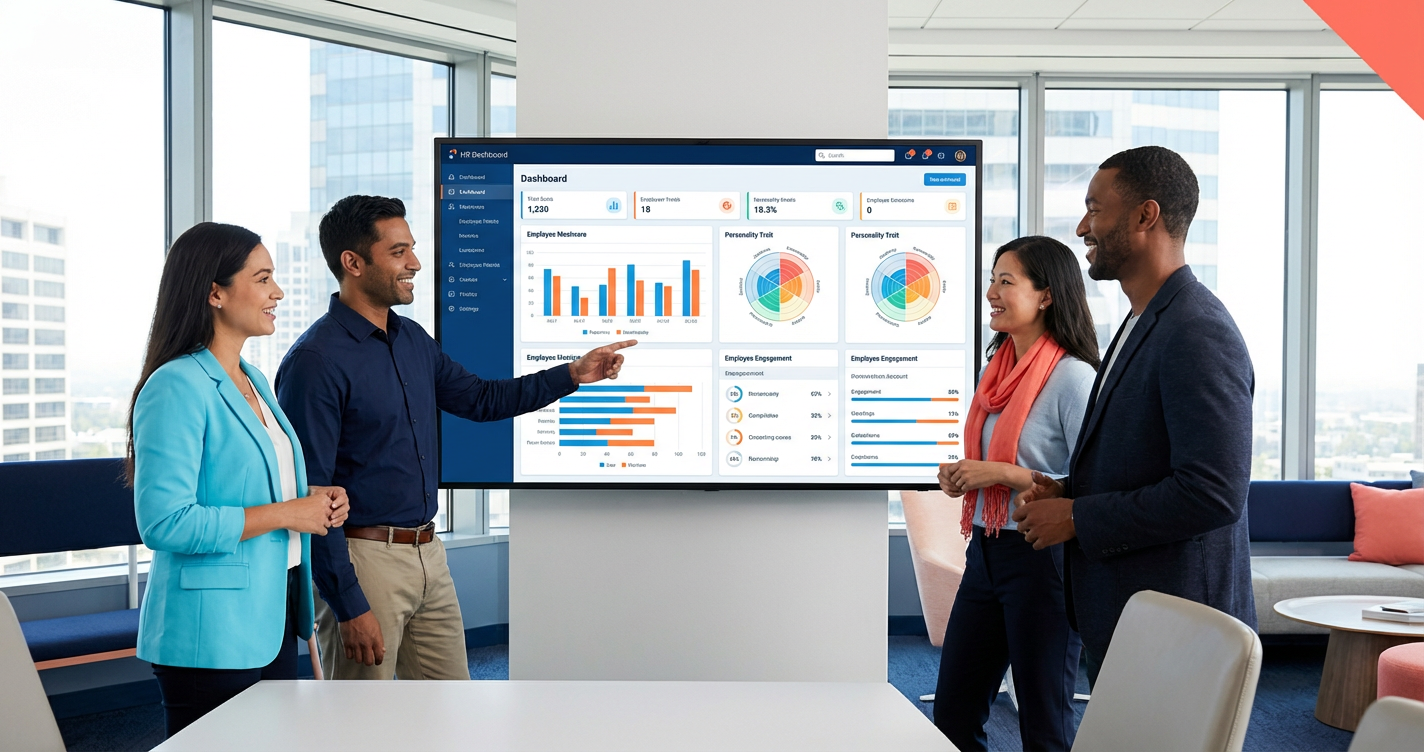
When the screen share starts, resist the pull of colourful charts. Watch the user experience for both your HR team and your employees. If the platform is hard to use, your managers will avoid it and your data will stay incomplete. A useful test: could a busy manager use this without a 50-page manual?
Pay close attention to candidate matching. Basic filters can overlook brilliant talent because a CV missed the exact keyword. You want to see intelligence that understands how skills and qualifications relate, not just string matching. Our piece on keywords versus fit covers what that difference looks like in a live shortlist.
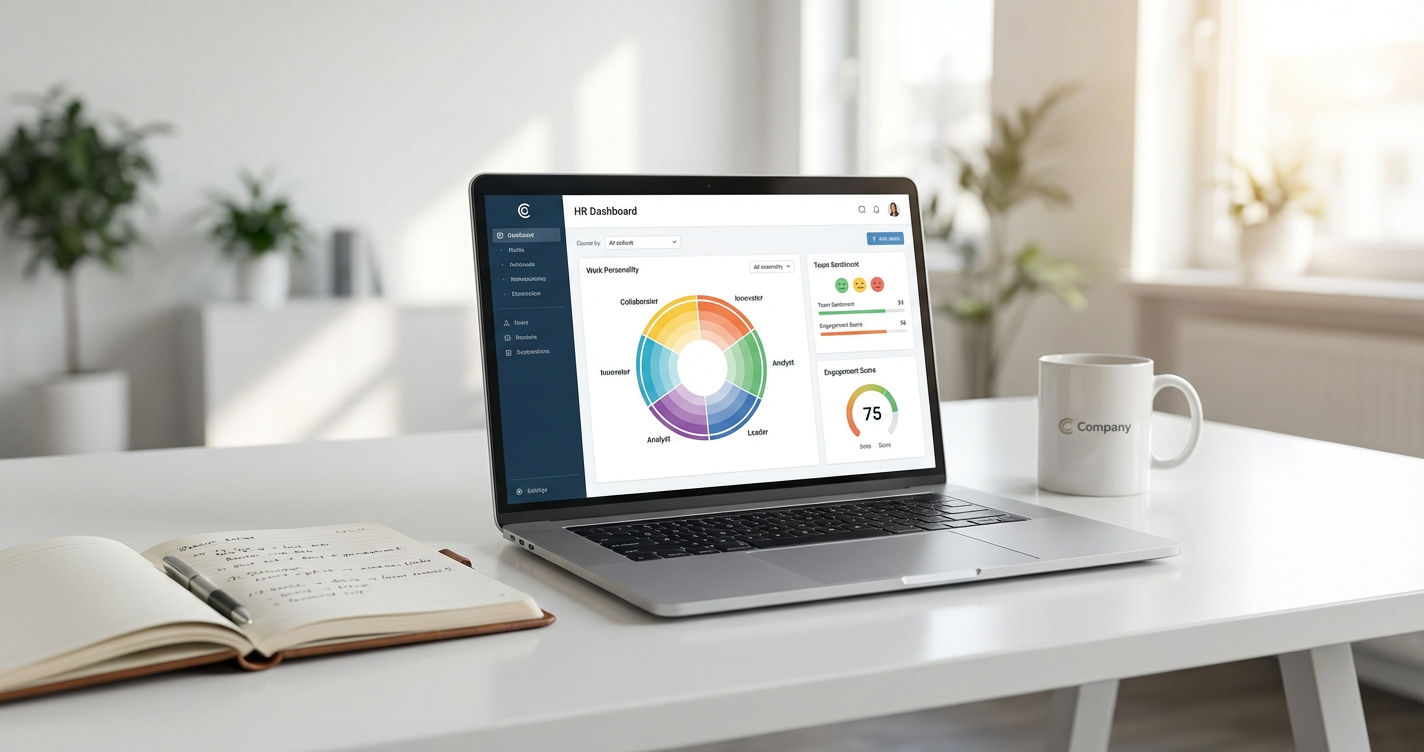
Beyond recruitment, look at how the tool helps you understand your existing workforce. A strong demo shows you how to move from reactive admin to informed advice. Compono Engage, for example, shows you what your company culture actually is rather than what you hope it is, mapped across the work personality of your whole organisation.

Data silos create double handling. If the new software will not talk to your existing tools, you inherit more admin, not less. Do not settle for a vague "we have an API". Ask to see how data actually flows between systems, with your stack named.
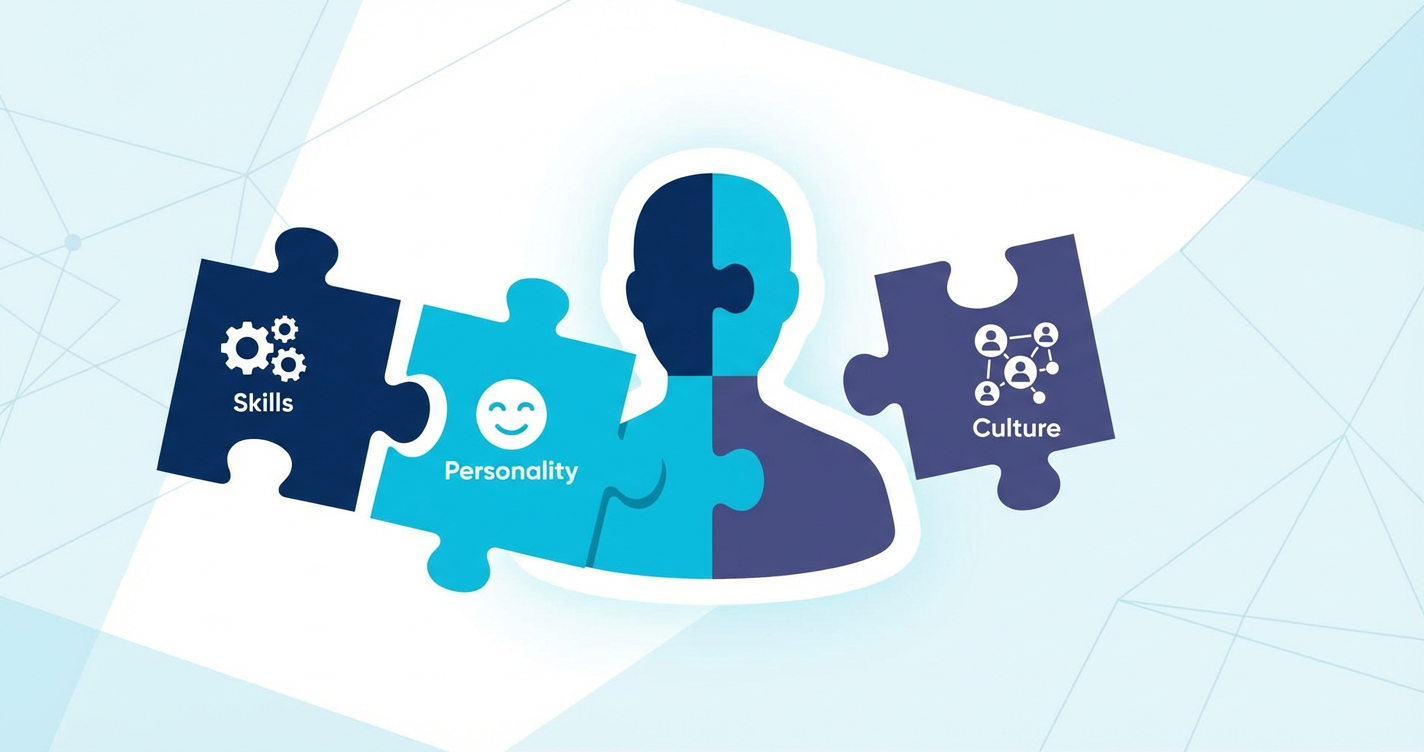
Ask about the science behind the features too. With AI claims everywhere, you need to know the tools are grounded in validated research. If the software ranks a candidate, you should be able to see why. Black-box scoring is a decision you cannot defend later.
Data security and Australian privacy standards are non-negotiable for ANZ operators. You are trusting this platform with your most sensitive information, your people data, and the provider needs to demonstrate local compliance rather than assert it. Ask where data is hosted, who can access it and what happens to it if you leave.
On price, ask for the total cost over three years for your headcount, including implementation, training and any modules you would realistically add. Per-employee pricing looks small on a slide and compounds as you grow. If you need to build the internal case, the HR business case builder lays out costs against the turnover, time-to-hire and productivity numbers a finance team will want to see.
Score each vendor within a day, while the detail is fresh, and have every attendee score independently before you compare. A 1 to 5 scale on the criteria below is enough.
| Criterion | What a 5 looks like | What a 1 looks like |
|---|---|---|
| Solves the named problems | Walked through our scenarios with our data | Generic tour of the admin console |
| Manager and employee usability | A non-HR manager could use it unaided | Needs training to do basic tasks |
| Explainable decisions | Every score or rank shows its inputs | Black-box output, "trust the AI" |
| Integration and data | Showed live data flow with our stack, hosting and access answered | "We have an API" and a security PDF to follow |
| Predictable cost | Three-year total for our headcount, add-ons itemised | Price "depends", quote to follow |
| Local fit | Australian support hours, award and privacy questions answered | Offshore support, compliance asserted not shown |
The point of upgrading your tech is to buy back time for high-impact work. Instead of chasing signatures or manually screening hundreds of resumes, you could be coaching leaders and building high-performing teams. When a feature automates a task, ask what those saved hours become. The platforms worth buying help you design your future workforce with behavioural benchmarks and people science, so decisions rest on evidence rather than ego. If you are still narrowing the field, our guide to how to choose the right HR software covers the shortlist stage that comes before the demo.
Bring your must-have list and your hardest questions, and we will show you how explainable people science looks in a real hiring, engagement and development workflow.
See how it worksYour own scenarios walked through with realistic data, the manager and employee views (not only the admin console), how any score or ranking is calculated, live integration with your stack, the reports you would actually use, and clear pricing and implementation detail.
Identify your top two or three business problems, gather the stakeholders who will use or pay for the tool, and have a list of essential integrations ready. Send this with the demo request so the vendor can build the demo around your needs rather than their script.
Most initial demos run 30 to 60 minutes. That usually covers a high-level overview plus a closer look at the features most relevant to your business. A second, deeper session on your specific workflows is normal for a serious evaluation.
Ideally the HR leader, someone from IT for technical and security questions, a finance stakeholder for cost, and a hiring manager who will use the tool daily. Each will spot different problems.
A traditional HRIS is a system of record for admin. An intelligent platform like Compono uses people science to provide insights into culture, fit and performance, so it informs decisions rather than only storing data.
Learn how to transition your HR function from a policing role to a strategic advisor. Discover how to build trust and drive business value with...
What transactional HR means, why teams get stuck there, and how to shift to strategic work: automate the admin, add people insight, decide on...
What counts as strategic HR software, how it differs from admin tools, and the capabilities mid-market leaders need to tie people decisions to...
 Mathan Allington