

.webp)

 Mathan Allington


Choosing an LMS for local government in Australia 2026
 Mathan Allington
To choose an LMS for local government in Australia. We cover APPs compliance, TechnologyOne integration, deskless worker access and council...
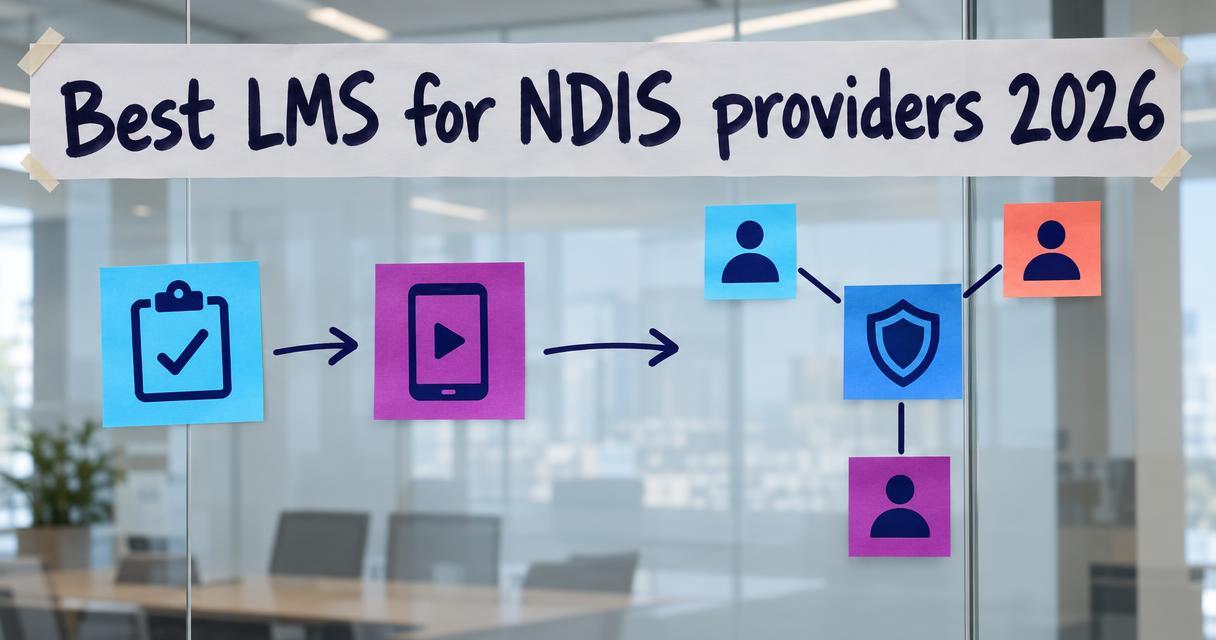
The best LMS for NDIS providers tracks mandatory worker compliance while building genuine support capability across distributed care teams.
Last reviewed October 2026
Quick answer
- Price: Ranges from $5 to $15 per user monthly, or custom enterprise pricing on request.
- Best for: NDIS providers needing strict audit-ready compliance combined with practical skill development for casual support workers.
- Verdict: Compono Develop balances rigorous regulatory tracking with real-world capability building, ensuring support workers are both compliant and competent.
Managing training for disability support workers involves strict regulatory oversight. The NDIS Quality and Safeguards Commission requires providers to maintain flawless training records, verify worker screening checks and demonstrate continuous improvement. Most organisations rely on manual spreadsheets or generic HR tools that only manage process risk.
Process risk happens when a provider fails an NDIS audit because they cannot locate a support worker's manual handling certificate. Traditional platforms handle this tracking reasonably well. They tick the compliance box and generate the report.
People insight risk happens when a support worker holds all the correct certificates but lacks the practical capability to handle a complex behavioural incident safely. Generic systems completely miss this. A true learning management system (LMS) for this sector must bridge both gaps. It must satisfy the auditor while equipping the worker for real scenarios.
The disability support sector operates differently from standard corporate environments. Support workers are largely casual, highly mobile and time-poor. They rarely sit at desks and they work in isolated settings where immediate supervision is impossible. You need systems built for this reality.
A generic platform assumes learners have dedicated time for long desktop courses. In contrast, NDIS support workers need mobile-friendly access that works offline in remote locations. They require training that integrates directly with rostering tools like ShiftCare or CareMaster, preventing non-compliant staff from being assigned to high-risk participants.
Specialised platforms also simplify NDIS Worker Screening Check (NDISWC) verification. When competency management for disability services sits alongside learning delivery, administrators stop chasing expired documents. The system automatically restricts shifts and assigns recertification pathways before a compliance breach occurs.
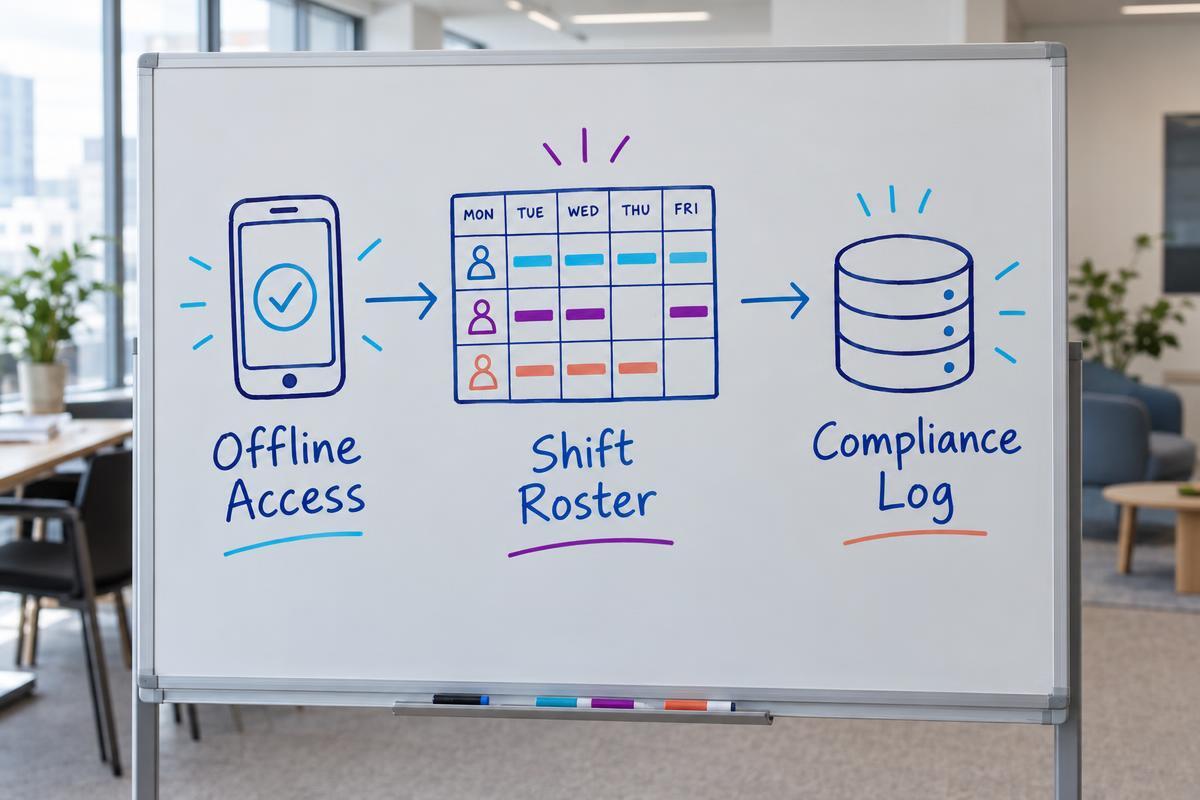
When evaluating platforms, providers must look beyond basic course delivery. The regulatory environment demands absolute precision in record keeping. An audit failure can result in registration suspension, so the software must act as a defensive shield.
First, look for comprehensive audit trails. The platform must record exactly when a module was completed, who delivered the practical assessment and when the competency expires. You need instant reporting mapped directly to the NDIS Practice Standards. During a mid-term or certification audit, you should be able to hand the auditor a single dashboard view.
Second, prioritise mobile usability and offline functionality. Support workers complete training between shifts or in transit. The NDIS Quality and Safeguards Commission says LMS platforms can support microlearning through quizzes, short podcasts, videos and game-like activities for time-poor workers. If the software requires a strong continuous internet connection, completion rates will drop.
Third, assess the integration capabilities. Your LMS must talk to your payroll, HRIS and rostering systems. If a worker fails their medication administration assessment, the rostering software needs immediate notification to pull them from relevant shifts. Data silos in this sector create unacceptable clinical risks.
We have reviewed the leading platforms used by Australian disability support organisations. This ranking focuses on how well each system handles mandatory compliance, mobile accessibility and practical skill development.
| Platform | NDIS Audit Readiness | Pre-built Content | Mobile Offline Access |
|---|---|---|---|
| Compono Develop | Comprehensive mapping | Customisable library | Full offline support |
| Wyzed | High compliance tracking | Third-party integrations | Mobile responsive |
| Effective Policy | Policy-driven reporting | 190+ specific courses | Web-based access |
| eTrainU | Standard compliance | 4 Core Modules | Mobile responsive |
| Go1 | Basic tracking | 11-item playlist | Mobile responsive |
Compono makes Compono Develop. We have included it and kept every entry's strengths and limits honest.
Compono Develop is an LMS that builds real capability while maintaining audit-ready records. It moves beyond simple completion tracking to measure actual skill acquisition. The platform connects learning outcomes to behavioural profiles, ensuring support workers receive training formatted for how they actually learn.
For NDIS providers, Develop centralises compliance documentation, tailored learning paths and in-person practical assessments. Managers gain real-time dashboards to monitor progress against NDIS Practice Standards. The system automates follow-ups for expiring certifications, ensuring no worker falls out of compliance.
Wyzed positions itself strongly in the disability sector. Wyzed reports that more than 300 Australian NDIS providers use its platform and that it has trained over 13,000 support workers. The system simplifies the creation of induction material and compliance reporting.
The platform delivers strong regulatory outcomes. Wyzed says providers on its platform achieve a compliance rate above 95 percent. Furthermore, Wyzed reports supporting more than 700 audits without training-related non-conformities, based on its July 2026 platform data.
Effective Policy provides a targeted solution for organisations needing ready-made training. Effective Policy's NDIS Training Platform offers more than 190 courses spanning compliance, disability-specific training, behaviour support, governance and aged care. This vast library saves providers from building custom content from scratch.
The platform also hosts external industry standards. The Effective Policy NDS Workforce Essentials library contains more than 100 modules covering areas such as rights and responsibilities, infection control, support provision and governance. Additionally, the Effective Policy NGO Training Centre offers more than 100 disability-training resources and provides each organisation with a dedicated Customer Care Manager.
When comparing LMS platforms in Australia, eTrainU stands out for its specific alignment with disability standards. The platform caters to organisations that need straightforward, structured compliance pathways for their workforce.
Its content library is highly relevant to the sector. Wyzed notes that eTrainU's Disability Essentials library covers all four NDIS Core Modules, ensuring new staff receive the exact foundational knowledge the Commission expects.
Go1 operates as a massive content aggregator. It suits providers who want a single subscription covering everything from basic workplace health and safety to leadership development. However, its disability-specific content is less exhaustive than specialised rivals.
For instance, Wyzed observes that Go1's NDIS offering is an 11-item introductory playlist, making it a lighter option for providers who need deep, specialised clinical training alongside basic induction material.
Building training from scratch consumes resources most providers do not have. The ideal software includes a library of pre-built courses mapped to the NDIS Practice Standards. This ensures you meet auditor expectations on day one.
Core mandatory training includes infection prevention and control, manual handling, medication administration and incident reporting. Providers must also train staff on the NDIS Code of Conduct, restrictive practices and supporting participant rights. If your platform lacks these foundations, you will spend thousands of dollars licensing third-party content.
Look for platforms that allow you to blend pre-built compliance modules with your own custom content. You might use an off-the-shelf module for manual handling principles, but upload a custom video showing the specific hoist equipment used at a participant's home. This blended approach satisfies the auditor while actually helping the worker.
The disability sector relies heavily on casual and subcontracted labour. This creates a significant compliance headache. Subcontractors often work across multiple providers, meaning their training records are fragmented. Your software must manage this transient workforce smoothly.
The system should offer role-based onboarding profiles. When a casual worker is added, they automatically receive only the training required for their specific participant load. You do not want to pay for a full enterprise software seat for a subcontractor who works four hours a week.
Self-service portal access is vital here. Subcontractors must be able to upload external certificates (like First Aid or Working with Children Checks) directly from their phones. The software then alerts an administrator to verify the document, updating the compliance dashboard automatically without endless email chains.
An audit is a stressful event that drains operational resources. Traditional providers spend weeks before an audit frantically compiling spreadsheets, chasing paper certificates and hoping no worker has an expired qualification. Modern training software turns this into a smooth reporting exercise.
During a mid-term or certification audit, the auditor wants evidence of a systematic approach to capability. They want to see that you identify skill gaps, deliver training to close those gaps and assess the outcome. A reliable platform generates a single compliance matrix report showing the exact status of every worker against the Practice Standards.
More importantly, the software tracks non-conformity resolutions. If an internal audit reveals that five workers missed their annual restrictive practice refresher, the system logs the incident, assigns the mandatory training and records the completion date. This documented evidence of continuous improvement is exactly what NDIS auditors look for.
Rolling out new software to a workforce that rarely visits an office requires careful planning. You cannot rely on traditional classroom training to teach staff how to use the new system. The rollout must be entirely digital and highly intuitive.
Start with a 30-day pilot group. Select your most tech-savvy support workers and a few who struggle with technology. Have them complete their annual compliance refreshers on the new platform. Gather their feedback on mobile usability, login friction and offline access. Fix any access issues before a wider launch.
At the 60-day mark, integrate the platform with your HRIS and rostering tools. Ensure the data flows cleanly so that completed competencies instantly open up roster availability. By 90 days, mandate that all new external certificates be uploaded through the employee portal. Clear communication is essential: explain to staff that this system protects their compliance status and keeps them eligible for shifts.
Before committing to a vendor when choosing an LMS in Australia, providers should ask specific questions about functionality and pricing. Transparency in pricing models is important. Many vendors charge per active user, which penalises providers with large pools of casual staff who rarely log in.
Ask the vendor how they handle licensing for inactive or occasional users. Request a demonstration of exactly how an administrator verifies an uploaded NDIS Worker Screening Check. Insist on seeing the mobile app operating in offline mode, simulating a worker in a rural area with no cellular reception.
Finally, examine the reporting tools. Ask the vendor to generate a compliance report mapped specifically to the NDIS Practice Standards. If the vendor cannot produce this report quickly during a demonstration, they do not understand the disability sector deeply enough to support your audit requirements.
Compono Develop combines rigorous compliance tracking with genuine capability building for distributed support workers. It centralises training records, automates recertification alerts and delivers mobile-friendly learning that prepares your team for real-world care scenarios.
An NDIS learning management system is a specialised software platform designed to deliver training, track worker competencies and maintain audit-ready compliance records. It goes beyond generic corporate training by handling sector-specific requirements like worker screening checks, NDIS Practice Standards reporting and mobile access for distributed care teams.
Support workers frequently operate in participant homes, community settings or rural areas where internet connectivity is poor or non-existent. Offline access allows them to consume training materials, review care procedures or complete assessments without needing a stable connection. The system syncs the data once they return to an area with coverage.
The software replaces manual spreadsheets with automated, timestamped records of every training activity. It maps course completions directly against the NDIS Practice Standards. During an audit, you can instantly generate reports showing your entire workforce's compliance status, proving to auditors that you have a systematic approach to quality and safety.
Yes. The best platforms allow you to upload your own custom content, such as videos demonstrating equipment specific to your participants, and blend it with off-the-shelf compliance modules. This ensures your training remains highly relevant to your specific operational context while meeting baseline regulatory standards.
Because the NDIS workforce is highly casualised, paying full software seat licences for staff working minimal hours is inefficient. When negotiating with vendors, look for active user pricing models. This means you only pay for staff who actually log in and consume training during a given billing period, rather than your entire database of casual workers.
To choose an LMS for local government in Australia. We cover APPs compliance, TechnologyOne integration, deskless worker access and council...

Our pick for aged care compliance training in Australia is Compono Develop. Here are the criteria, five platform categories compared, and the fit...
What to check in Australian compliance training software: current obligations, rollout steps, evidence of completion, and where audits catch people...