

.webp)

 Mathan Allington


HRIS system for NZ: the complete 2026 Buyer's guide
 Mathan Allington
An HRIS system for NZ? Learn how to navigate local compliance, connect payroll, and choose HR software that improves team performance.
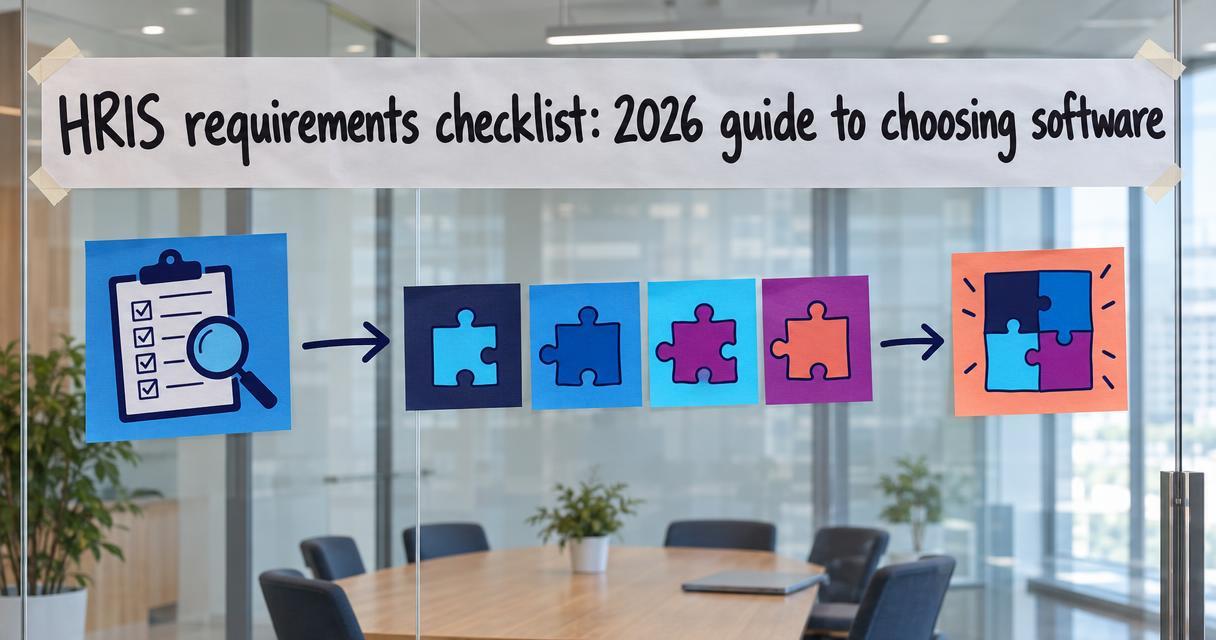
An HRIS requirements checklist is a structured evaluation tool used to score human resources information systems against your specific business needs before you buy.
Last reviewed October 2026
Choosing the right HR platform is one of the most expensive and consequential decisions a people leader will make. A strict checklist stops you from buying based on a flashy sales demo and forces you to evaluate software based on actual business utility.
Key takeaways
- A structured requirements checklist prevents budget waste and ensures the chosen system actually solves your operational problems.
- Core requirements must cover data management, payroll integration, compliance tracking, and employee self-service.
- Prioritising features into non-negotiable requirements and nice-to-have additions keeps your vendor evaluation focused.
- Modern HR tech stacks rely on open APIs to connect specialised tools rather than forcing one system to do everything poorly.
Many HR teams start their software search by looking at vendor websites and booking demonstrations. This is the wrong approach. When you let vendors show you their best features first, you end up evaluating their product against their own marketing claims rather than your internal needs.
This leads directly to software bloat. Companies buy a massive system because it looks great on screen, only to realise six months later that it cannot handle their specific payroll award structures or compliance rules. You then have to buy additional tools to cover the gaps. If you want to audit and consolidate your stack, you need to define your exact requirements before you look at a single piece of software.
A good checklist acts as a filter. It allows you to immediately disqualify vendors who cannot meet your baseline requirements, saving you hours of pointless sales calls.
The primary job of a human resources information system is to be your single source of truth for employee data. If the system fails at basic data management, all the advanced features are useless. When evaluating your options using a guide for Australian HR, these administrative functions are your baseline.
| Checklist item | Why you need it |
|---|---|
| Centralised employee profiles | Stores personal details, emergency contacts, and job history in one secure location. |
| Document management | Securely holds contracts, compliance certificates, and policy acknowledgements. |
| Organisation charts | Automatically updates reporting lines and team structures as people move or leave. |
| Employee self-service | Allows staff to update their own address or bank details without emailing HR. |
You need to test how easy it is to extract this data. A system that makes it easy to put data in but requires a developer to get reports out is a trap. Ask vendors to show you exactly how to build a custom headcount report during your evaluation.
Most mid-market businesses use a separate system for payroll and a separate system for HR. Your HRIS requirements checklist must explicitly detail how these two systems will talk to each other. Manual data entry between HR and payroll introduces human error and compliance risks.
Your checklist should include automated leave management. The system needs to handle accruals, public holidays, and complex leave types like parental leave or long service leave. It must also provide managers with a clear calendar view of their team's availability before they approve time off.
Integration methodology matters. Does the vendor offer a native integration with your specific payroll provider, or do they rely on flat-file CSV exports? Native API integrations update data in real time and are significantly more reliable.
While some HRIS platforms include basic recruitment modules, many growing businesses prefer to connect a specialised Applicant Tracking System (ATS) to their core HR system. When choosing HRIS software, you need to decide if you want an single suite or a best-of-breed approach.
If you use a dedicated hiring platform, your HRIS must accept incoming data smoothly. For example, Compono Hire uses open REST APIs to connect directly with major HRIS and payroll systems. This means once a candidate signs their offer, their details flow automatically into your HRIS to trigger the onboarding workflow without any double entry.
For onboarding, the checklist should cover automated task assignments. The system needs to notify IT to provision a laptop, alert payroll to set up the new starter, and send the employee their welcome pack before day one.
Modern HR teams need more than just a digital filing cabinet. They need systems that help measure and improve how people work. Your requirements should cover how the platform handles performance reviews, goal setting, and continuous feedback.
| Checklist item | Why you need it |
|---|---|
| Configurable review cycles | Allows you to run annual, quarterly, or project-based performance reviews. |
| Goal alignment | Connects individual objectives to broader company targets for clear visibility. |
| Continuous feedback tools | Gives peers and managers a formal way to record praise or constructive notes. |
| Pulse surveys | Measures employee sentiment and engagement between major review periods. |
Be highly critical of built-in engagement tools. Many basic HRIS platforms offer a simple survey feature that collects answers but provides zero analytical insight. If measuring team culture and engagement is a priority, you may need a dedicated intelligence platform that integrates with your HRIS rather than relying on a basic add-on.
HR data is the most sensitive information your company holds. Your HRIS requirements checklist must include strict security parameters. You cannot compromise on data protection, especially given recent changes to privacy legislation.
Role-based access control is a mandatory requirement. A line manager needs to see their team's leave balances and performance scores, but they should never have access to company-wide salary data or sensitive medical records. The system must allow you to build custom permission levels that match your exact internal hierarchy.
Audit trails are equally important. You need to know exactly who viewed a document, who changed a salary figure, and who approved a promotion. If a vendor cannot demonstrate a comprehensive, unalterable audit log, cross them off your list.
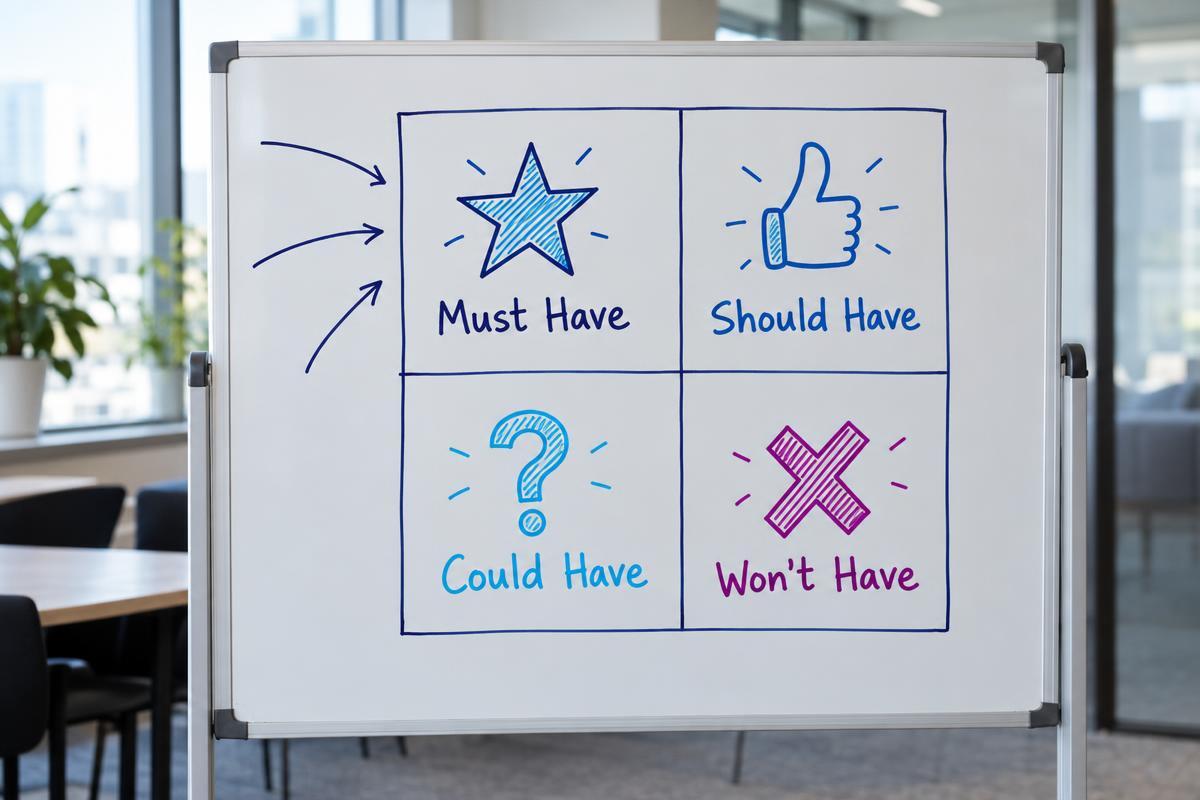
Once you have a list of fifty potential features, you need a way to rank them. We recommend using a HR tech requirements builder or applying the MoSCoW method to categorise your needs into four distinct groups.
Must-haves are the non-negotiable features. If a system lacks a must-have, you reject it immediately. Should-haves are important features that add significant value but could potentially be handled by a workaround if the rest of the system is right. Could-haves are bonuses that would be nice to see but will not drive the final decision.
Won't-haves are just as important to define. These are features you explicitly do not want or already have covered by a better tool. Knowing what you do not need stops you from paying a premium for modules you will never use. Before you sign anything, review these questions to ask HR software vendors to ensure they actually meet your defined priorities.
Building the right tech stack means connecting your core administrative systems with intelligent tools that actually improve how you hire, engage, and develop your people.
An effective checklist must include core HR administration, payroll and benefits integration capabilities, talent acquisition handovers, performance management tools, and strict security and compliance controls.
You likely need a new system if your HR team spends more time doing manual data entry than strategic work, if you have multiple conflicting sources of employee truth, or if your current system cannot integrate with your payroll software.
An single HRIS is easier to manage but often lacks depth in specific areas like complex recruitment or advanced learning management. Many mid-market companies prefer a core HRIS that connects via open API to specialised hiring and engagement platforms.
Implementation timelines vary based on company size and data complexity. A basic setup for a small business might take four weeks, while a mid-market rollout with custom integrations and historical data migration typically takes three to six months.
Your evaluation team should include the head of HR, the payroll manager, an IT or security representative to evaluate data governance, and a few line managers who will actually use the system daily.
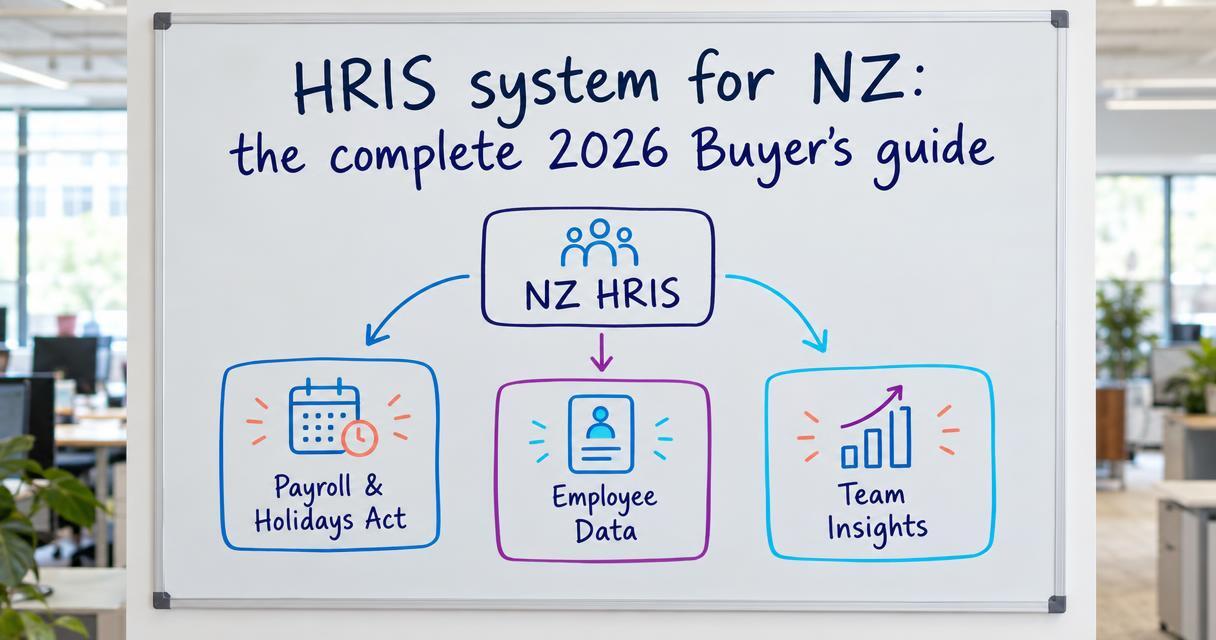
An HRIS system for NZ? Learn how to navigate local compliance, connect payroll, and choose HR software that improves team performance.

What human capital management software should do: connect hiring, engagement and development data, assess organisation fit, and personalise growth...
How HRIS integration works, what to connect first (ATS, engagement, skills data), which platforms connect to HRIS and CRM tools, and the hurdles to...