

.webp)

 Mathan Allington


How to write a job ad that attracts the right people
 Compono
How to write a job ad that attracts the right people, with data-backed tips on job titles, salary transparency and candidate quality.
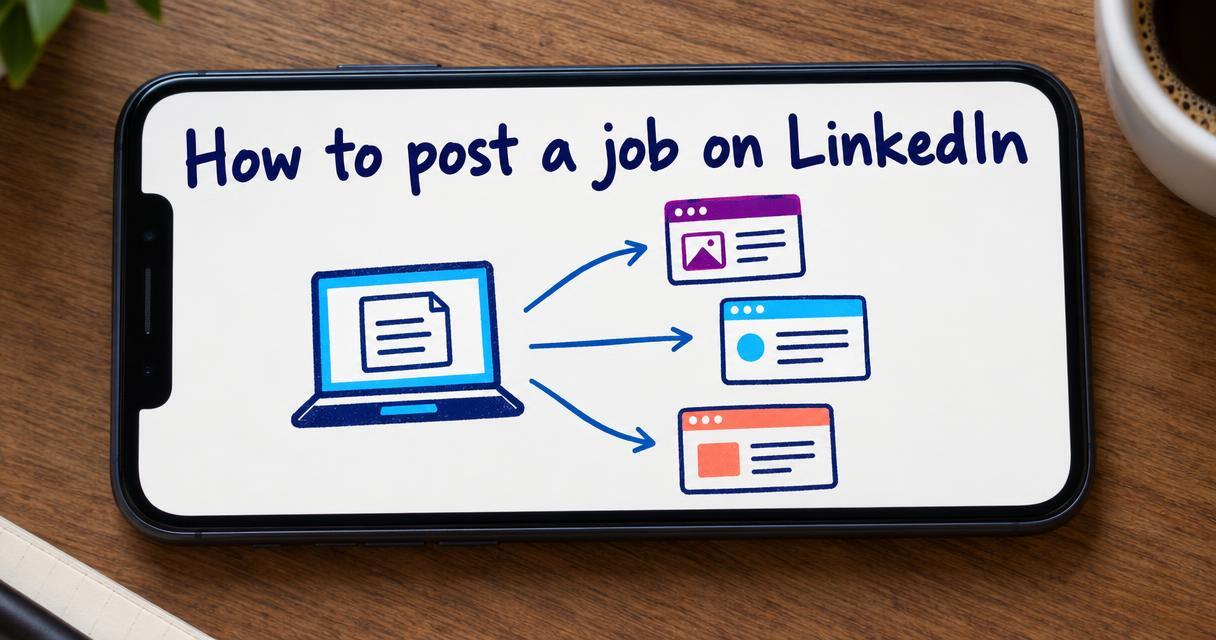
To post a job on LinkedIn, you can either work through to the 'Jobs' tab on your company page and manually enter the details, or push the listing automatically through your applicant tracking system.
Last reviewed October 2026
Key takeaways
- Posting directly on LinkedIn works well for a single role but becomes unmanageable as your hiring volume grows.
- Integrating your hiring software with LinkedIn allows you to distribute job ads globally with a few clicks.
- A successful job ad balances search visibility with clear expectations about culture and daily responsibilities.
- Centralising applicants in one platform prevents talent from slipping through the cracks of different inboxes.
When you need to hire someone new, LinkedIn is usually the first place you look. The platform holds a massive pool of active and passive professionals. Getting your job in front of them is the primary goal.
Doing this manually makes sense if you only hire once a year. You log in, write the ad, and wait for the notifications. But when you need to fill multiple roles across different departments, managing candidates in isolated platforms creates a mess. You end up checking LinkedIn for some applicants and your email inbox for others. You lose track of who applied where.
There is a better way to handle the process. We will walk through the manual method first, and then look at how modern teams automate the heavy lifting.
If you choose to post directly on the platform, the process is straightforward. You will need a LinkedIn account and admin access to your company page.
First, log into your account and click the 'Jobs' icon at the top of your homepage. Select the 'Post a free job' button. LinkedIn will prompt you to enter the basic details of the role.
You need to provide the job title, the company name, the workplace type, the employee location, and the employment type. LinkedIn uses these fields to index your job in their search engine. Candidates filter their searches based on these exact parameters. Getting them right dictates who sees your ad.
Next, you will paste in your job description. This is where many companies fail. They copy a massive list of demands from an internal document and paste it directly into the text box. The best ads are written specifically for the platform. If you need help refining your text, you can use a free tool to check your job ad before you publish it.
LinkedIn allows you to add screening questions before you finalise the post. These questions help you filter out people who completely lack the basic requirements.
You can ask about years of experience, specific software skills, or work rights in your country. You can also set certain questions as dealbreakers. If a candidate answers a dealbreaker question incorrectly, LinkedIn automatically filters their application into a separate folder.
This feature saves time, but it has limits. Candidates often exaggerate their experience to get past the automated filters. You still need a human process to verify their claims.
Once your details are entered, LinkedIn asks how you want to fund the job post. You have two main options.
You can post the job for free. Free jobs appear in search results and on your company page. They are visible to anyone looking for that specific title. The downside is that free posts decay in visibility over time. As other companies post similar roles, your ad gets pushed further down the search results.
Alternatively, you can promote the job by setting a daily budget. Promoted posts are pushed to the top of search results. LinkedIn also actively recommends promoted jobs to passive candidates who match your criteria but are not actively searching. You pay based on the number of clicks your ad receives.
| Posting Method | Best For | Visibility |
|---|---|---|
| Free Job Post | Small businesses making a rare hire | Appears in search results but decays quickly |
| Promoted Post | Roles needing immediate applicants | Pushed to top of search and recommended to passive candidates |
| ATS Integration | Growing teams hiring consistently | Distributed across LinkedIn and hundreds of other boards simultaneously |
Manually posting jobs and checking LinkedIn for applicants stops working when you scale. You need a system that connects your sourcing channels and captures all applications in one place.
This is where job board integration software changes the workflow. Instead of logging into LinkedIn, you create the job inside your applicant tracking system. With a single click, the software pushes the ad to LinkedIn, SEEK, your careers page, and hundreds of other global job boards simultaneously.
When a candidate applies on LinkedIn, their profile and resume flow directly into your hiring pipeline. You never have to log into the social platform to check messages or download CVs. Everything sits in one central dashboard.
Getting the job posted is only the mechanical part of the process. The words you use determine the quality of the people who apply.
LinkedIn is a busy platform. Users scroll quickly. Your ad needs to grab their attention and clearly explain what the role entails. Drop the corporate jargon. Stop asking for rockstars or ninjas. Use standard job titles that people actually type into the search bar.
If you want to attract high performers, you need to apply proven strategies for LinkedIn job advertising. Tell them what they will achieve in the first ninety days. Explain who they will report to. Be transparent about the salary range if your local laws require it, or simply because it builds trust.
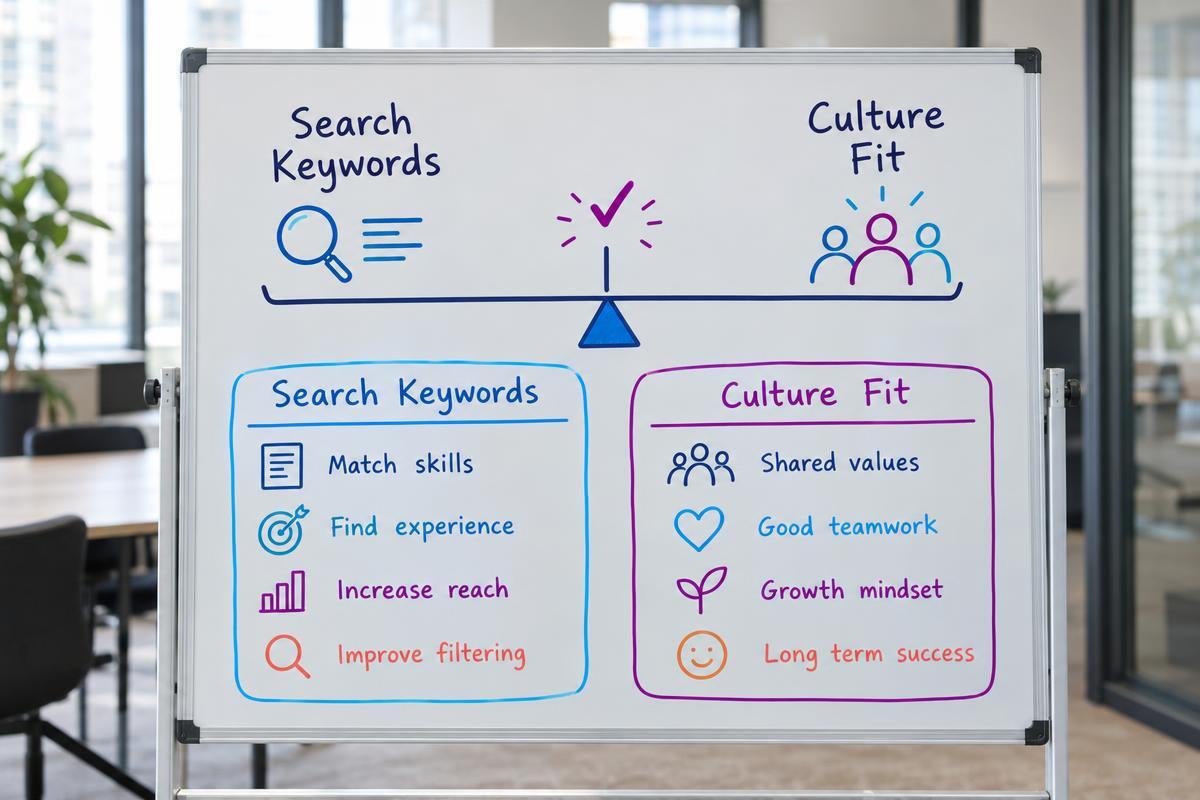
There is a tension in recruitment marketing. You need to include the right keywords so your ad appears in LinkedIn searches. You also need to write compelling copy that attracts the right personality types.
Striking the balance between keyword hiring and fit requires thought. If you stuff the ad with technical terms, you might attract highly skilled people who clash with your team culture. If you only talk about culture, you might miss the technical experts who use specific keywords in their job hunts.
The best approach is to clearly list the mandatory technical skills in bullet points, then use the narrative paragraphs to describe the team changing and working style.
Once your job is live on LinkedIn, the applications will start arriving. If you used the manual method, you will receive an email notification for every applicant. This quickly floods your inbox.
You have to log into LinkedIn Recruiter, review the profile, download the resume, and try to remember who you liked. Sharing these profiles with hiring managers requires downloading PDFs and emailing them internally.
Automated systems solve this friction. Every applicant flows into one ranked pipeline. You can score them on fit before anyone interviews. Hiring managers can log into the same system, review the candidates, and leave notes in one place. The process becomes structured and predictable.
If you are tired of logging into five different platforms to manage one recruitment campaign, we can fix that. Compono lets you post to over a thousand global job boards at once and automatically ranks every applicant based on culture and role fit.
You can post one job for free at any given time. If you want to promote the job or post multiple roles simultaneously, you will need to set a daily budget. LinkedIn charges you based on the number of views and clicks your promoted post receives.
A free job post remains active for 21 days before it is automatically paused. You can renew it after this period. Promoted posts run continuously until you manually close them or your budget runs out.
Yes. You can edit the job description, the screening questions, and the budget at any time. However, you cannot change the job title or the company name once the post is published. If you make a mistake in the title, you have to close the job and create a new one.
Low application rates usually stem from a confusing job title, an overly demanding description, or a lack of promotion. If your free post has decayed in the search results, you may need to apply a daily budget to increase its visibility.
Work through to the 'Manage jobs' section of your company page. Find the active job post, click the 'More' icon, and select 'Close job'. This removes the ad from search results and stops any further billing if you were promoting it.

How to write a job ad that attracts the right people, with data-backed tips on job titles, salary transparency and candidate quality.
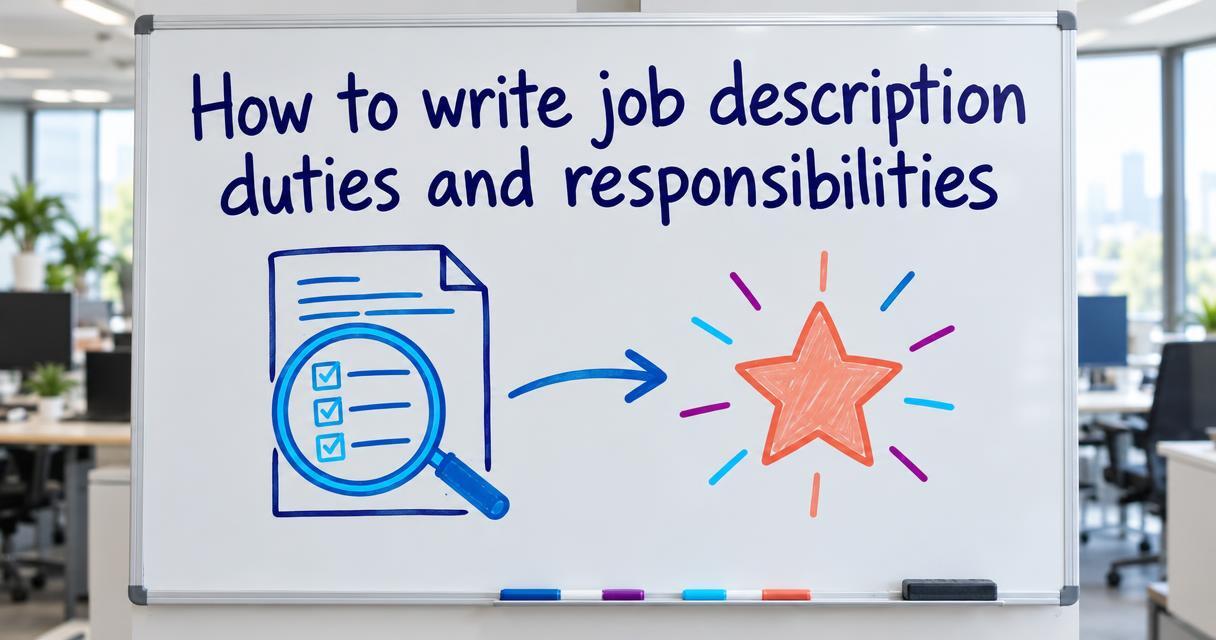
To write job description duties and responsibilities that attract high performers. Move beyond task lists and focus on clear performance outcomes.

What it takes to implement ATS software: mapping workflows, training managers, and launching a new recruitment platform without stalling hiring.
 Mathan Allington