

.webp)

 Mathan Allington


Choosing the right HRIS software for your growing team
 Mathan Allington
What HRIS software covers, the core features to compare, and how to connect it with your hiring and development data as the team keeps growing.

To implement HR software successfully, run it as a change project rather than an IT task: name an owner and a pilot group, migrate and clean your data before anyone logs in, switch on a small number of features that solve a problem people already complain about, and train by role instead of by module. The technical build is the short part. Getting the whole team using it is the work.
Last reviewed September 2026.
Most failed HR software rollouts were not failed builds. The system worked, and half the organisation kept using the spreadsheet, because nobody gave them a reason to stop or the five minutes of help they needed at the moment they were stuck.
Every vendor has an implementation plan. What they usually do not have is your internal politics, your data mess or your manager who has been running the team on a private spreadsheet since 2019. The sequence below is the shape of a mid-market rollout rather than a guaranteed timetable, and the timings move with the size of your organisation and how clean your records are.

| Phase | What happens | Who leads it | Done when |
|---|---|---|---|
| Scope and success measures | Agree the two or three problems the software has to solve and how you will know it did. | HR lead with the executive sponsor | The measures are written down and the sponsor has agreed them. |
| Data and access | Export, clean and map employee records, fix duplicates, confirm who can see what. | HR operations with IT | A test import runs without manual corrections. |
| Configuration | Set up the workflows, approval chains and templates you actually use, not every option available. | System owner with the vendor | A real process runs end to end in a sandbox. |
| Pilot | One department or a cross-functional group uses it for real work and reports what hurts. | System owner plus internal champions | Pilot users prefer the new way for at least one task. |
| Rollout and training | Release by audience with role-specific training and a named person to ask. | HR with the champions | Most of the target group has completed a real task, not just logged in. |
| Embed | Retire the old process, close the spreadsheets, review at 30, 60 and 90 days. | System owner | The old system is switched off and nobody has asked for it back. |
The step most often skipped is the last one. While the spreadsheet still exists, people will use it, and your reporting stays wrong because the data sits in two places.
Your HR team carries the rollout, so they need a head start measured in weeks rather than days. Give them access before anyone else, let them break things in a test environment, and have them run a few real processes badly in private rather than carefully in public.
Four things are worth settling before go-live. Who owns the system day to day and has time in their week for it. What the team will stop doing, because a new system without a retired task is just extra work. Which questions get answered internally and which go to the vendor. And what the team will say when a manager asks why the old way was not fine, which is a conversation they will have many times and should not have to improvise.
Be honest about capability too. If one person is your only administrator, you have a single point of failure on a system that now holds your employee records. Train a second.
Onboarding is usually where a new HR system earns its keep first, because the manual version is visibly broken and everybody knows it. A paper-based start involves the same details being typed into payroll, the IT ticket, the induction spreadsheet and the org chart, by different people, at different times, with at least one of them wrong.
Done in software, onboarding changes shape in a few specific ways. The new starter enters their own details once and they flow to every downstream system. Tasks are assigned automatically with owners and due dates, so the laptop is ordered without anybody remembering to ask. Compliance documents, policy sign-offs and licence details are collected before day one and stored with expiry dates attached. Induction and compliance training is assigned by role, tracked, and chased by the system rather than by a person.
The number that tells you whether it worked is time to productivity: how long before a new starter is doing the job unsupervised. Paperwork speed is easy to improve and not very interesting on its own. If week one is smooth and week six still has people guessing, the onboarding problem was never the forms.
Two different people use the phrase "HR software onboarding". One means getting a new employee started. The other means getting a new system live. Worth separating, because they lead to different purchases.
If you want a tool to run new starter paperwork, task lists and induction, you are shopping for employee onboarding software, and the comparison to read is our guide to onboarding software for Australian teams, which covers what to look for whether you are hiring in Perth, Brisbane or across several states. Local considerations that genuinely matter: support hours in your own time zone, data residency, pay and leave handling that matches Australian entitlements, and whether the vendor can cope with award-based or shift-based workforces.
If you want a system of record for employees, that is an HRIS, and the distinction worth understanding before you commit is the difference between an ATS and an HRIS. Onboarding sits awkwardly between the two, which is why so many organisations end up with a hiring system that stops at the offer and an HR system that starts on day one, with a gap in the middle that somebody fills by hand.
Adoption is not a training problem. People adopt tools that make their own week easier and avoid tools that make their week easier for someone else. The practical version of that:
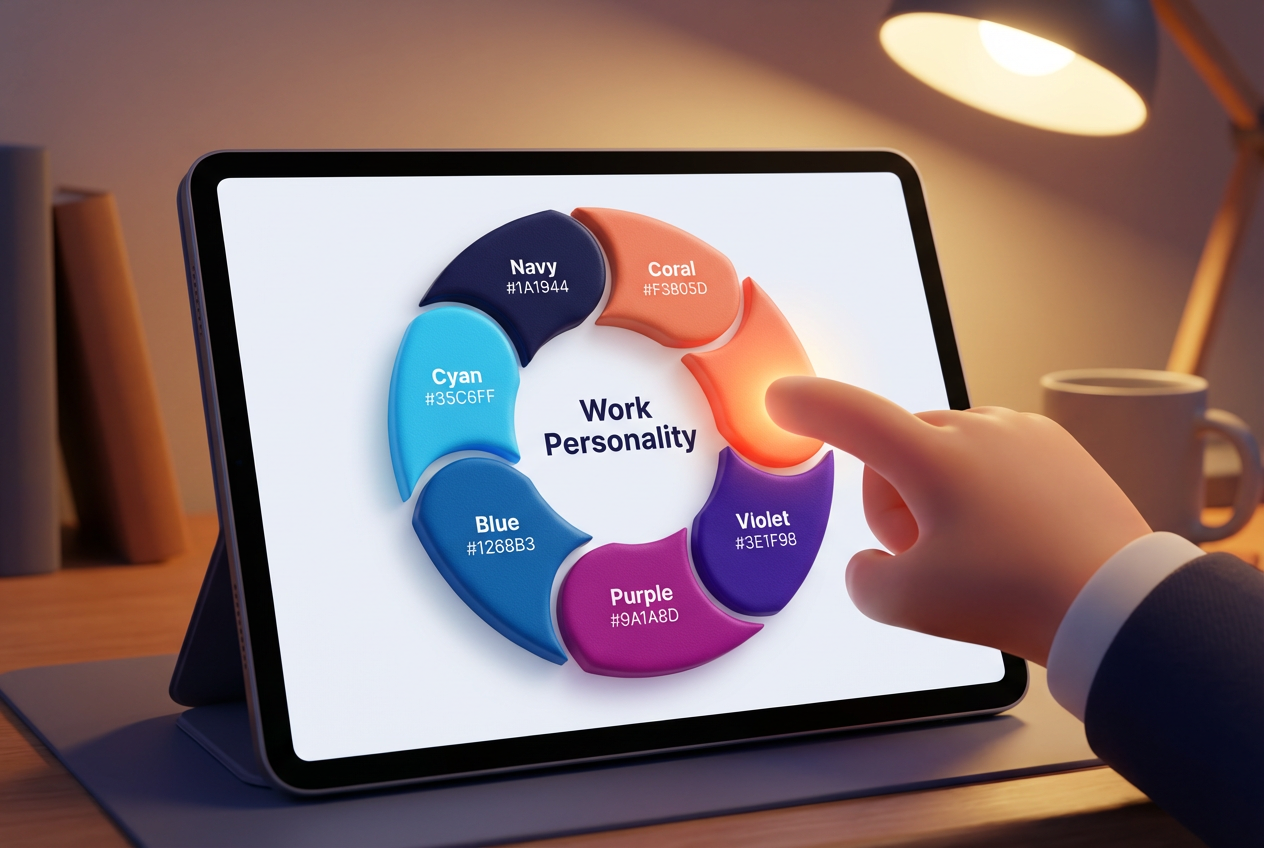
Different people also need different reasons. Compono's framework describes eight work personalities, Doer, Auditor, Helper, Advisor, Pioneer, Campaigner, Evaluator and Coordinator, and they describe ways of working rather than labels for people. Somebody who works like a Coordinator wants to know the process is tidier; somebody who works like a Pioneer wants to know what is now possible; somebody who works like an Auditor wants to know the data is right. One internal email pitched at all of them lands with none of them, so write two or three versions for different audiences instead.
Pick the measures before go-live, because everything looks like success in week two when usage is driven by novelty. The set worth watching: active users as a percentage of the target group, completion rate for the tasks the system was bought to handle, time taken on one process you measured beforehand, and the volume of manual queries still reaching HR by email.
For the business case, the comparison that convinces a finance team is cost before versus cost after on a single process you can evidence. Onboarding is the easiest one to model, since the hours are spread across HR, IT and the hiring manager and nobody has ever added them up. The cost of onboarding calculator will give you a defensible starting figure using your own salary and hours.
Set review points at 30, 60 and 90 days, and expect the 60 day review to be the uncomfortable one. That is usually where the early enthusiasm has worn off and the real gaps in training show up. Fixing them then is cheap. Finding them a year later, when half the organisation has quietly gone back to email, is not.
A note on what the software cannot fix. If your process was unclear before, a system will make that clearer and more annoying rather than better. Decide the process first, then configure it. Compono sits on the people side of that, with hiring, engagement and development in one HR software platform, which suits organisations that want employee insight alongside the admin. Payroll and core records remain a separate purchase.
Compono pairs hiring, engagement and development with people insight, so adoption is built on understanding your team rather than mandating logins.
Talk to usThe technical configuration can be finished in weeks, and that is the part vendors quote on. Reaching genuine adoption usually takes a couple of quarters, because it depends on how many processes you are replacing, how clean your data is and how much change your managers have absorbed recently.
Give them access well before everyone else, let them break things in a test environment, and agree four things before go-live: who owns the system daily, what the team stops doing, which questions go to the vendor, and how they will answer a manager who thinks the old way was fine.
A new starter enters their details once and they flow to payroll, IT and the org chart. Tasks get owners and due dates automatically, compliance documents are collected before day one with expiry dates attached, and induction training is assigned by role and chased by the system.
Start with the feature that removes something they already complain about, and make help available in under a minute from a named person rather than a manual. Then close the old path, because while the previous form or spreadsheet still works, some people will keep using it.
Active users as a share of the target group, completion rates on the tasks the system was bought for, time on one process you measured before go-live, and the number of manual queries still arriving in the HR inbox.

What HRIS software covers, the core features to compare, and how to connect it with your hiring and development data as the team keeps growing.
Compare the best HRIS platforms for Australia in 2026 on local payroll, compliance, support and integrations, plus where a people intelligence layer...

What human capital management software should do: connect hiring, engagement and development data, assess organisation fit, and personalise growth...